
Using YURIKAMOME
About Yurikamome
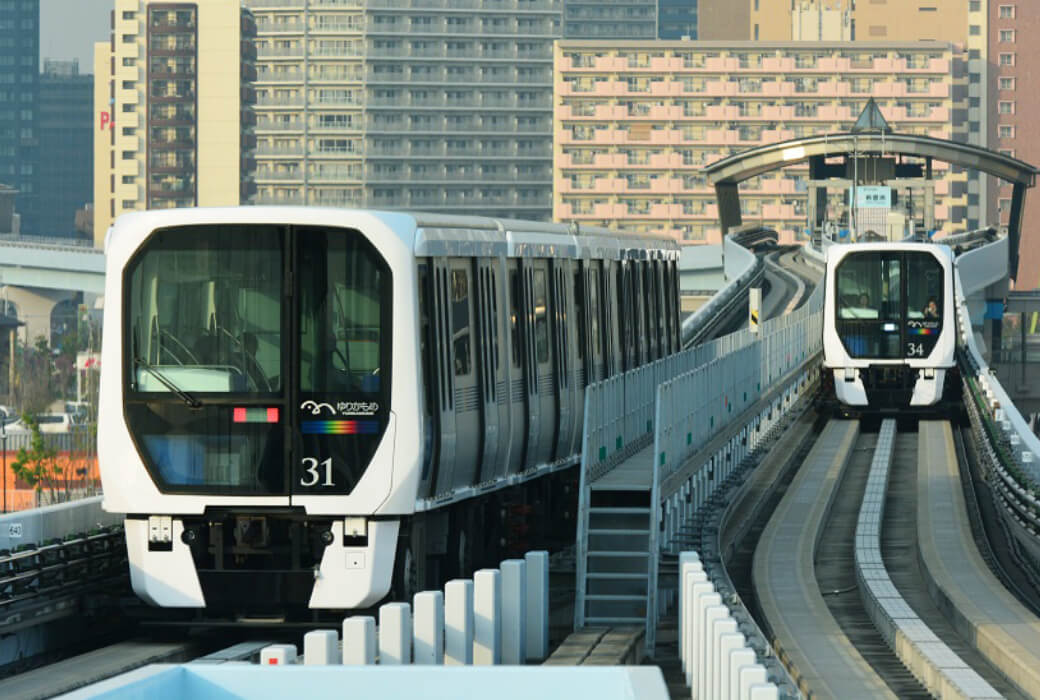
Facts
- Major transportation line linking the city and Odaiba/Toyosu areas.
- Runs approximately every five minutes on weekdays and every four minutes on weekends.
- Trains are operated automatically and stations are unmanned (Shimbashi, Ariake, and Toyosu stations have full-time station staff on site.)
- The journey from the first station (U01 Shimbashi) to the last station (U16 Toyosu) takes approximately 30 minutes.
- Crowded hours are from 7:00 to 9:00 in the morning and from 17:00 to 20:00 in the evening.
- The first train starts around 5:00 am and the last train ends around 24:00 midnight.
- All stations are wheelchair accessible, complete with elevators and barrier-free toilet.
Since opening in November 1995, Yurikamome has served as a means of transportation linking the city center with the waterfront subcenter for those living or working in this area as well as its visitors.
Yurikamome will continue efforts to provide safe, secure and comfortable transportation services loved and used by visitors and those living along the line.
Terms of Use
Notes on use
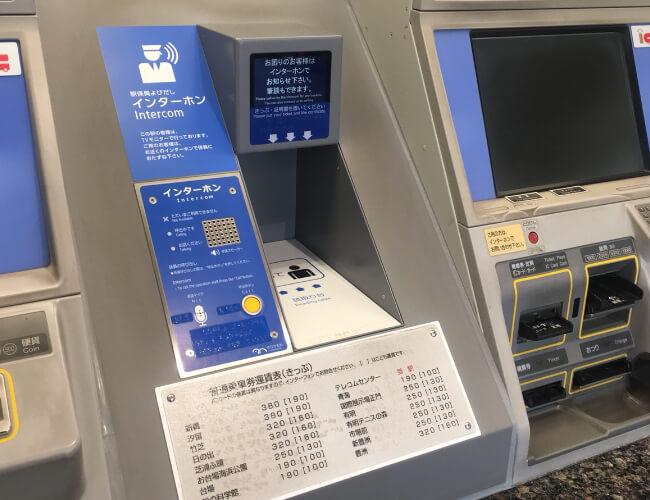
Yurikamome stations other than Shimbashi Station, Ariake, and Toyosu station are basically unmanned.
We apologize for any inconvenience this may cause. Should you require assistance at the station or on the train or have questions or concerns, please use the intercom to contact our staff.
How to buy a ticket
Check the route map and fare
To take the Yurikamome Line, please purchase a ticket or transportation IC Card from the ticket machine.
Please find the fare to your destination from the fare chart located above the ticket machine.
-
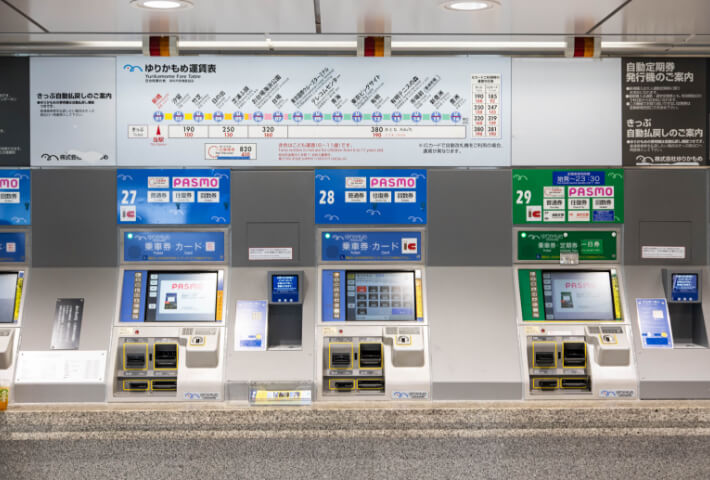
Appearance of ticket machine -
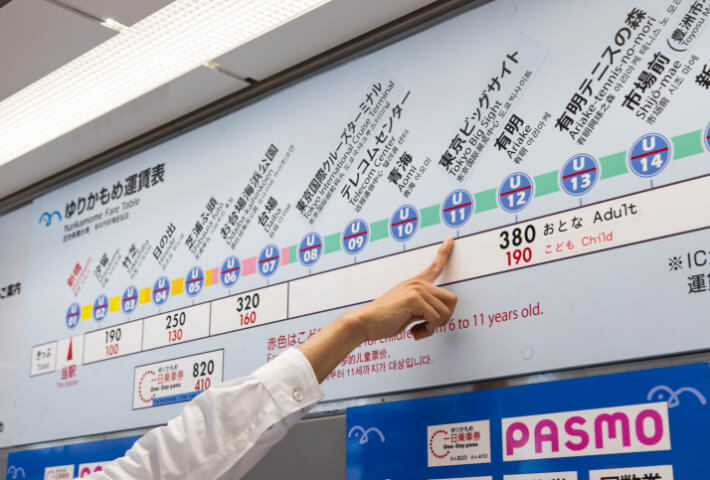
Fare chart above the ticket machine
Using the ticket machine
Tap the English button at the upper right corner of the ticket machine to switch languages.
Touch the button displaying the fare to your destination and wait for the purchase screen to be displayed.
Place the fare in the ticket machine and collect your ticket.
Transportation IC Card can be used

-
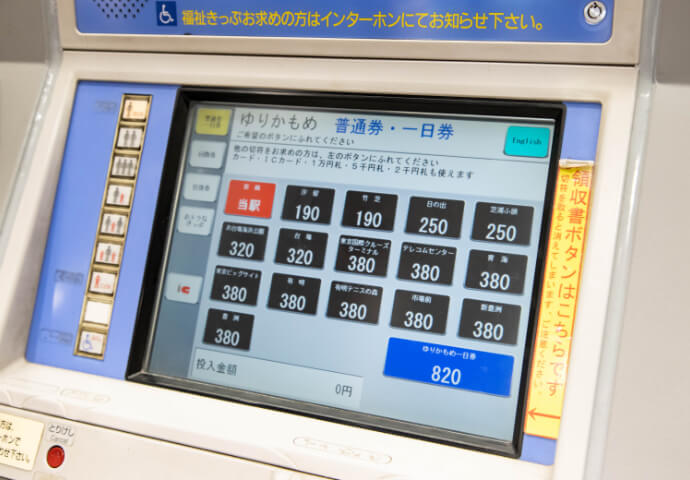
Ticket machine screen -
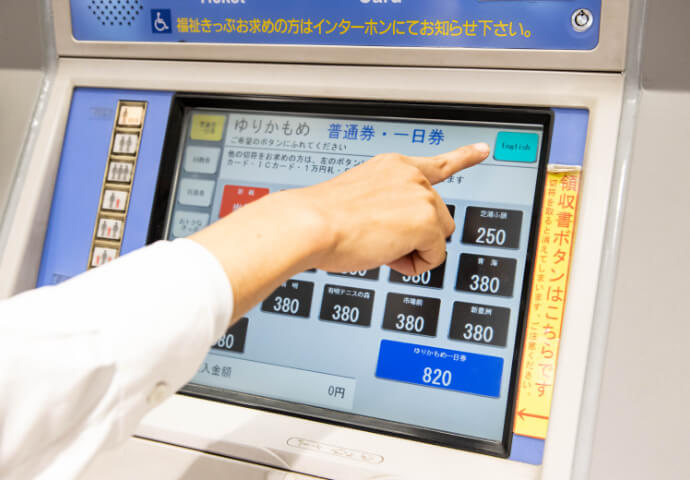
Press the "English" button to switch languages. -
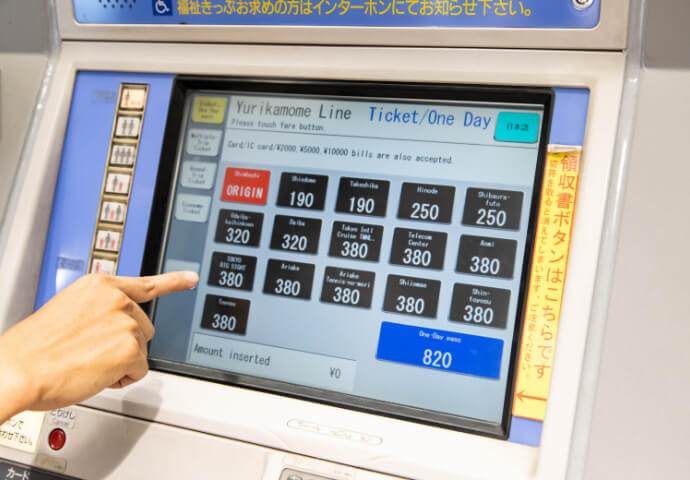
Touching the button displaying the fare to your destination switches the screen. -
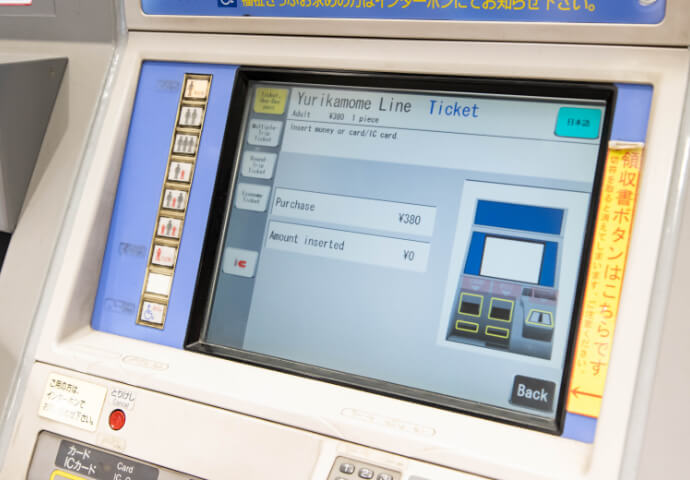
When the purchase screen appears, place the amount required in the ticket machine. -
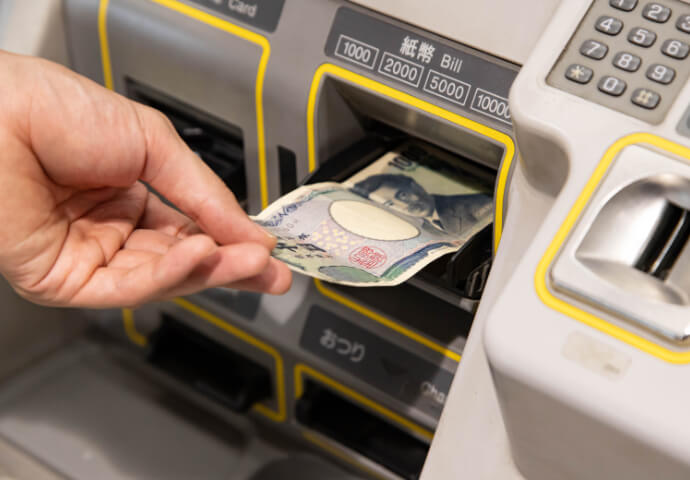
You can use both bills and coins. -
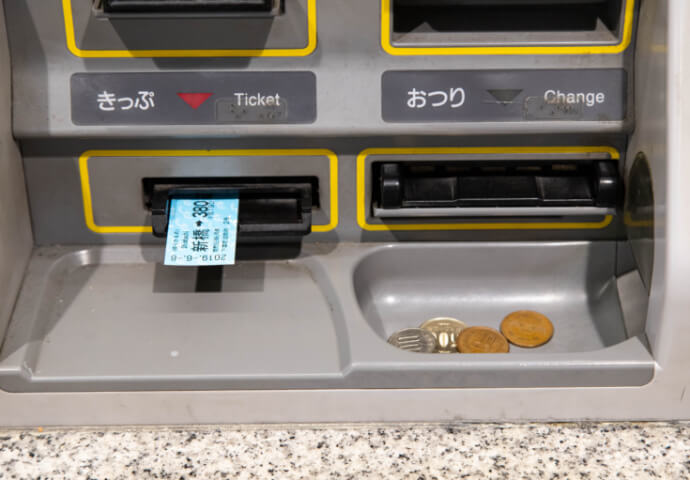
Once you place money into the machine, the ticket machine issues the ticket and returns change (if any).
How to enter ticket gate
Insert the ticket into the ticket gate slot
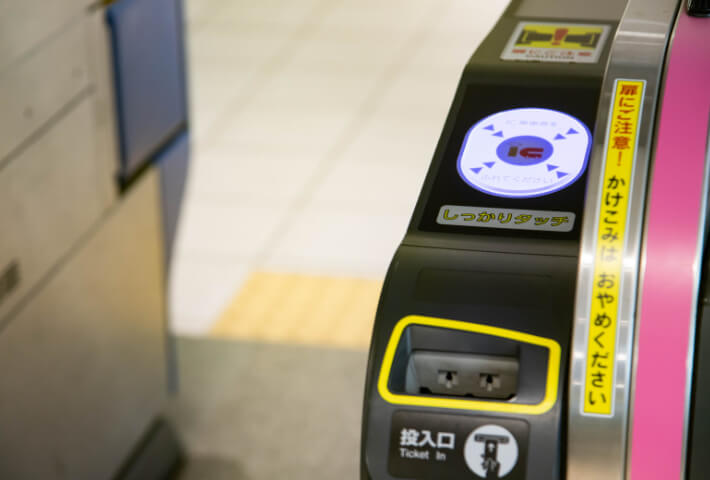
For passengers using tickets
Insert the ticket into the ticket gate slot above the green arrow on the right side of the ticket gate.
Pass the gate and collect the ticket coming out from the slot on the right side of the exit.
-
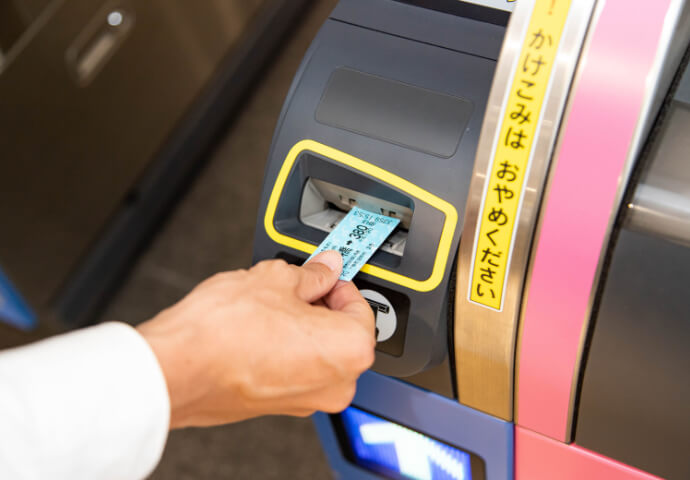
Insert the ticket into the ticket gate slot. -
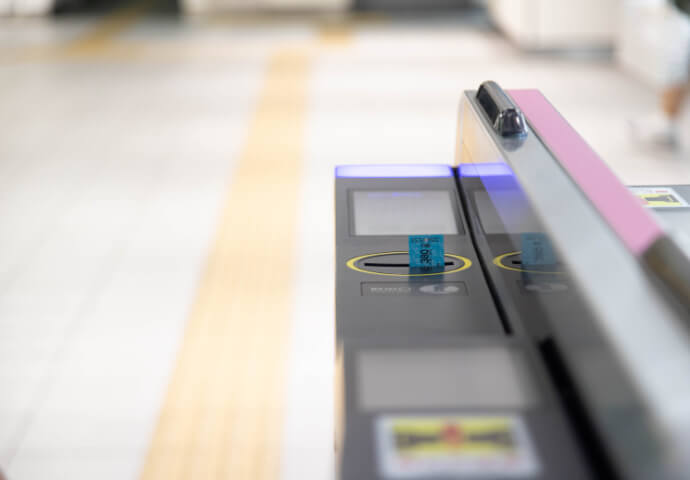
The ticket will come out from the slot on the right side of the exit. -
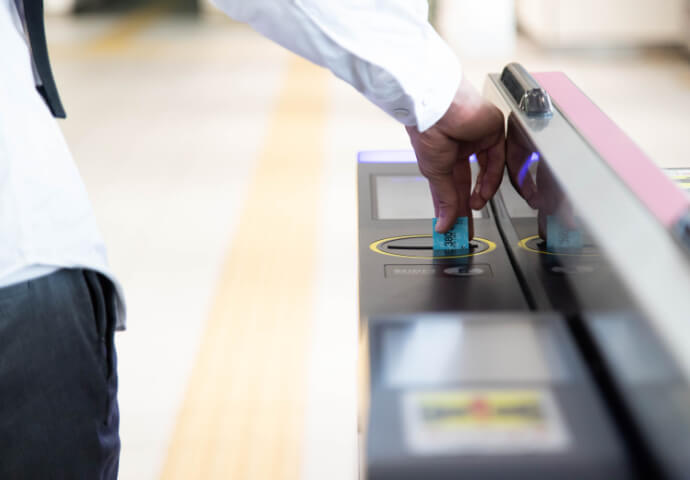
Please collect the ticket.
For passengers using the transportation IC Card
Hold the transportation IC Card over the panel on the right side of the gate.
The amount required will automatically be deducted and the gate will open.
-
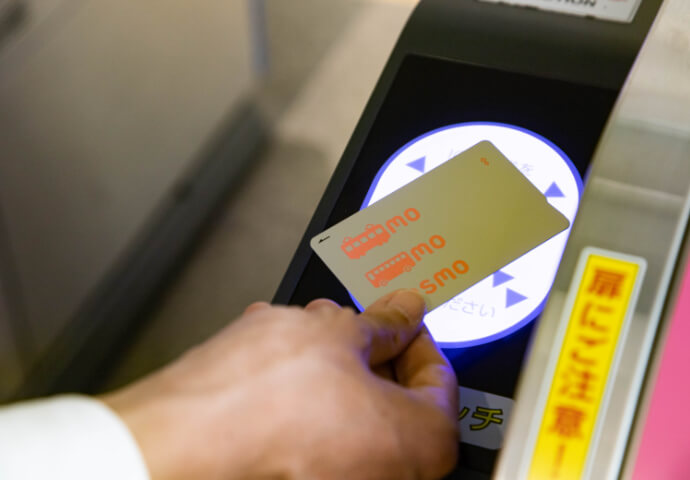
Hold the transportation IC Card over the panel on the right side of the gate. (Beeps)
How to ride the train
Find your platform
Find the platform for your destination.
-
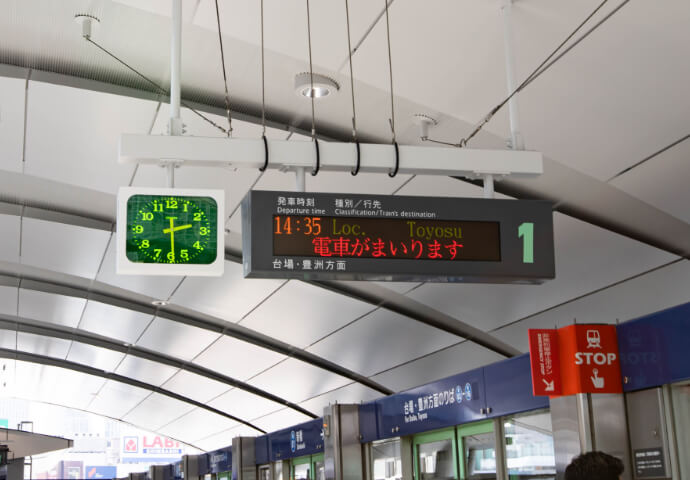
Platform 1 -
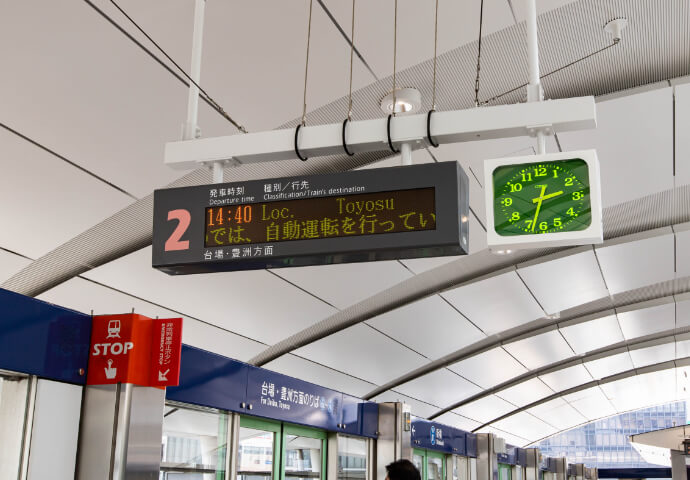
Platform 2 -
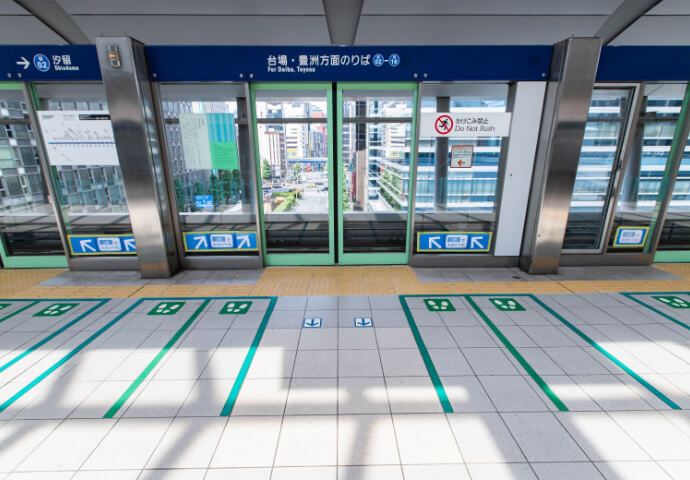
Boarding gate
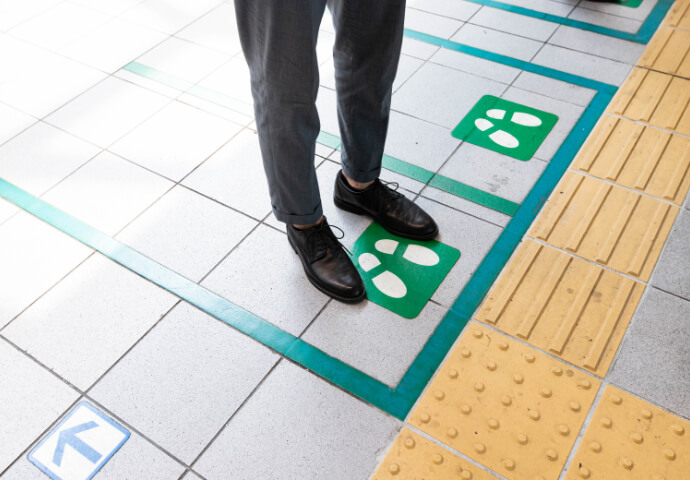
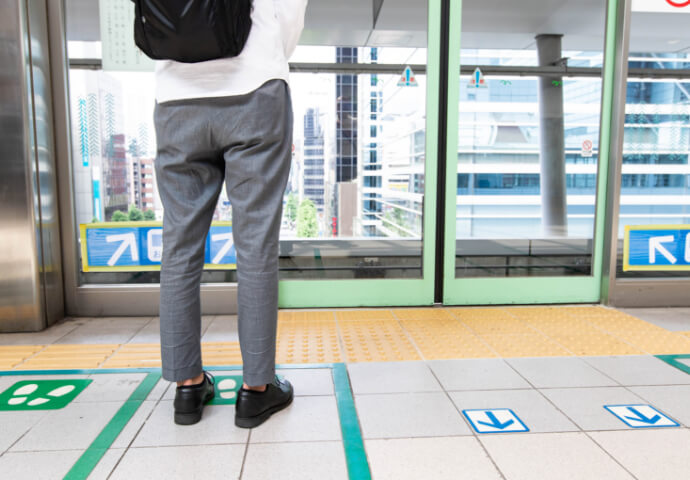
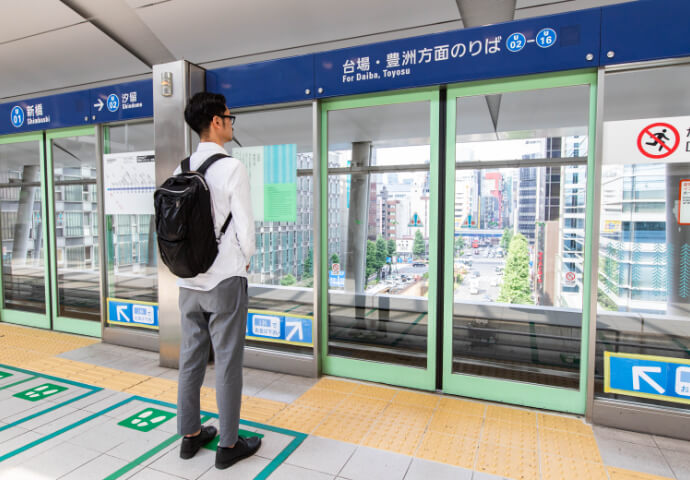
Wait
Line up along the green line and wait for the train to come.
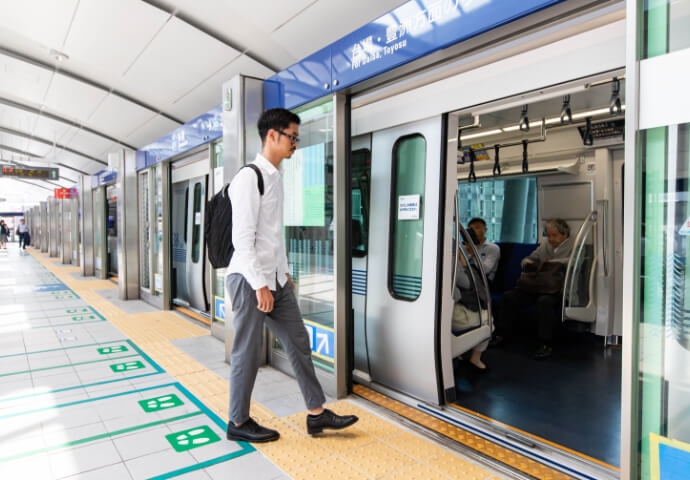
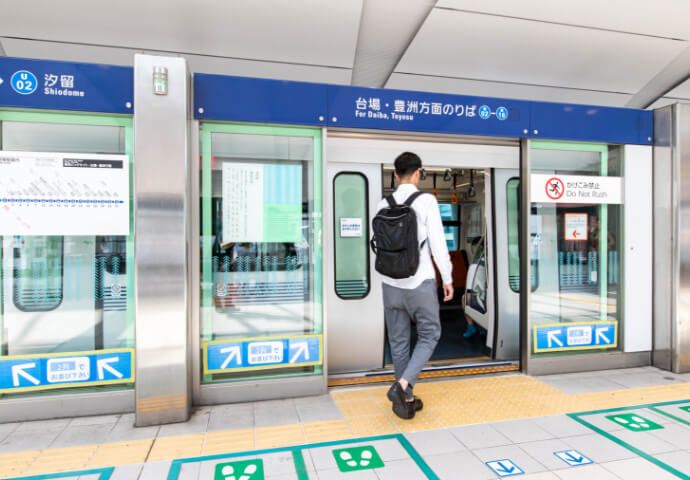
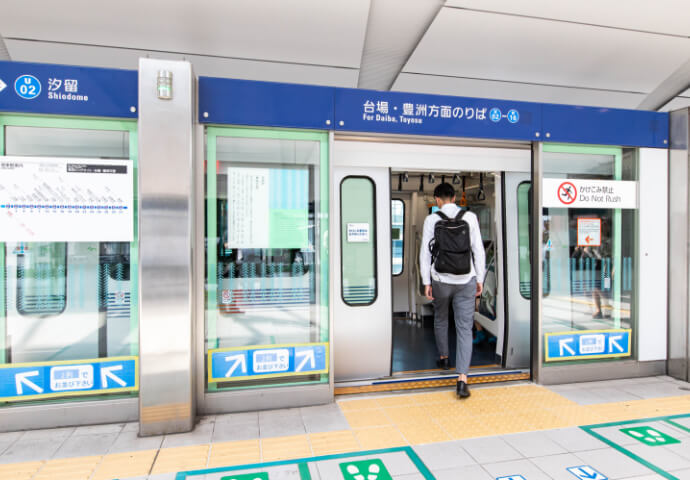
Board the train
When the train arrives, the doors will open automatically. Wait for everyone to get off first before boarding.
How to get off the train
Getting off the train
The next stop is displayed on the monitors in the train. Get off the train at your destination.
-
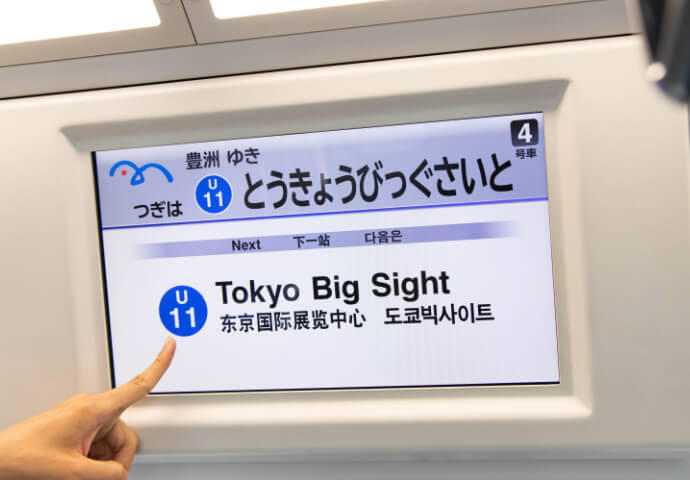
On-train monitors. -
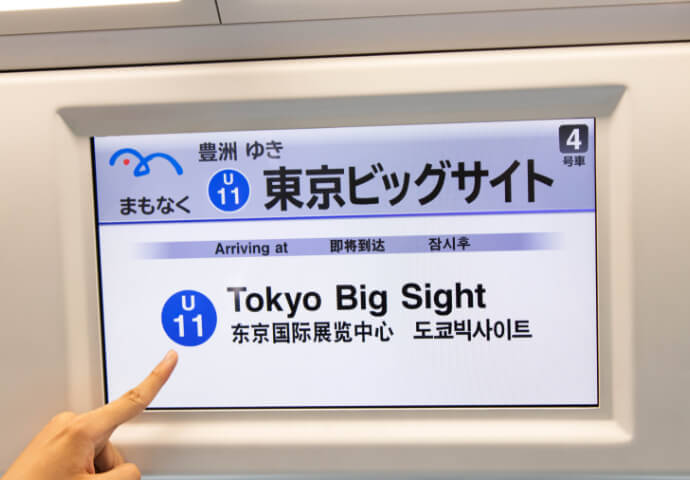
The displayed language changes regularly -
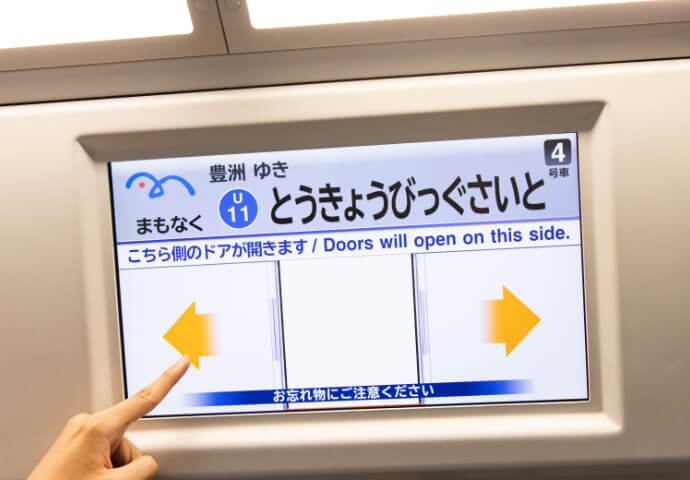
The display changes when approaching a station, etc.
If you get off at a station that costs more than the ticket you purchased, please pay the additional fare at the Fare Adjustment machine near the ticket gate.
-
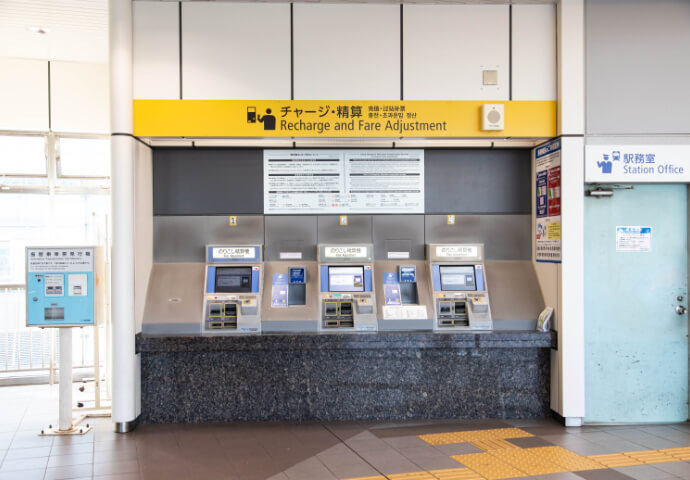
Fare Adjustment machine near the ticket gate -
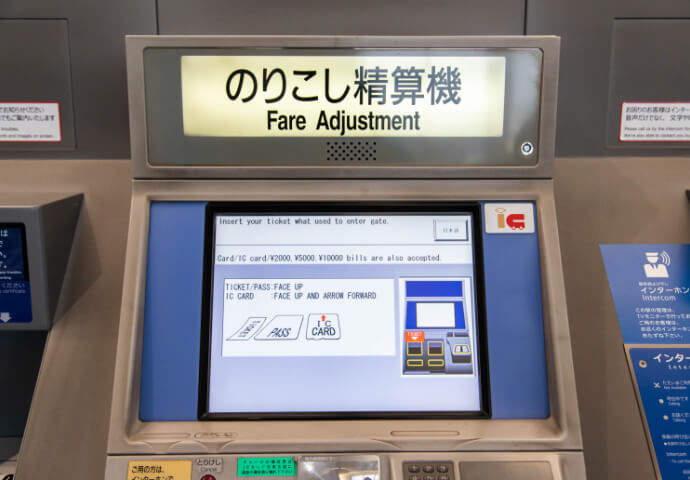
Fare Adjustment machine screen -
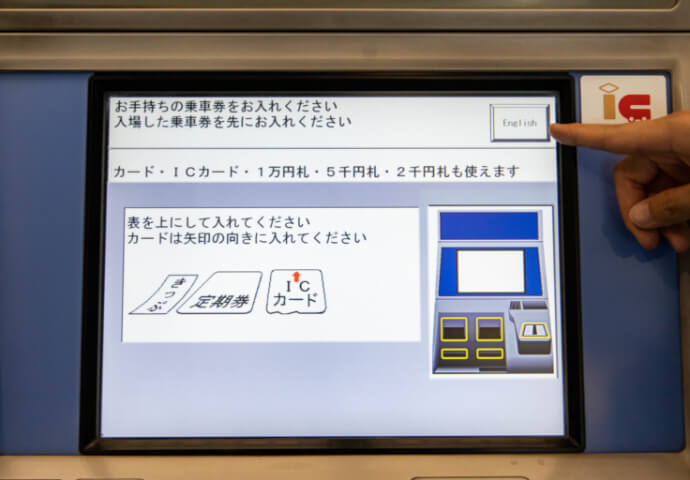
Press the "English" button to switch languages. -
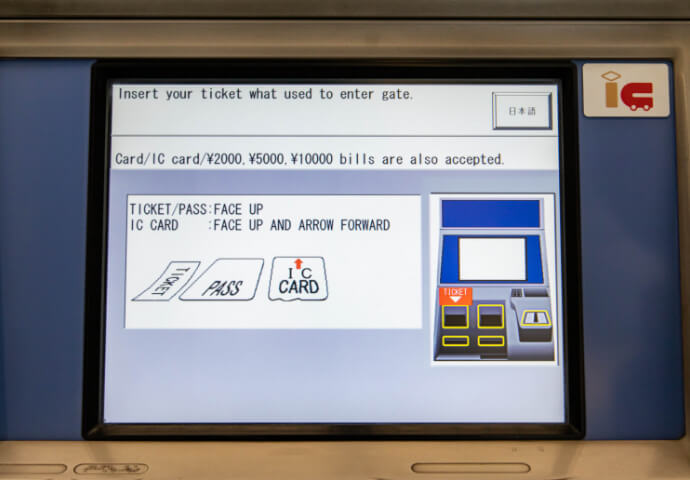
Place your ticket or IC Card in the machine and then the amount required.
Insert the ticket into the ticket gate slot.
Insert the ticket into the ticket gate slot.
-
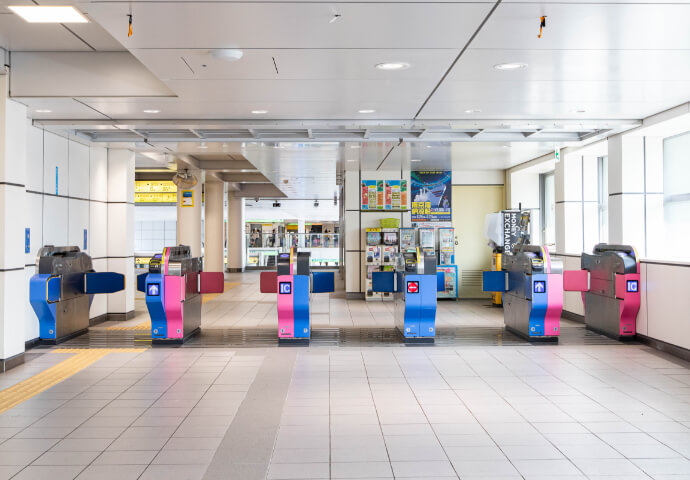
Place your ticket or IC Card in the machine and then the amount required. -
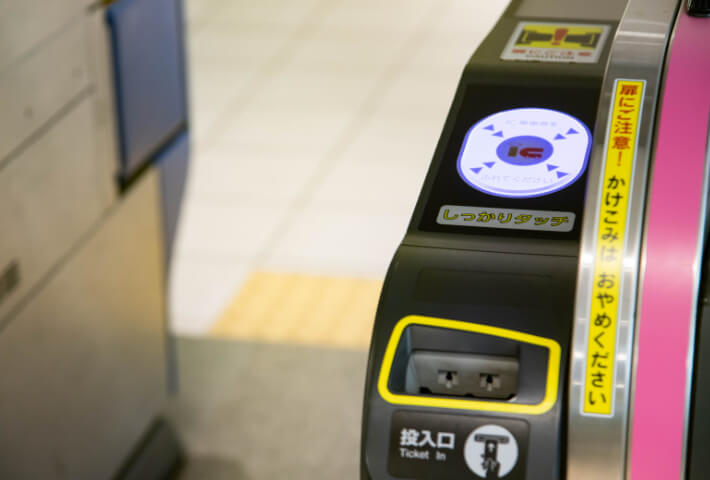
Ticket gate slot
Train Rules and Etiquette
We ask for your understanding and cooperation to ensure the safe and comfortable use of Yurikamome trains.
No rushing
-
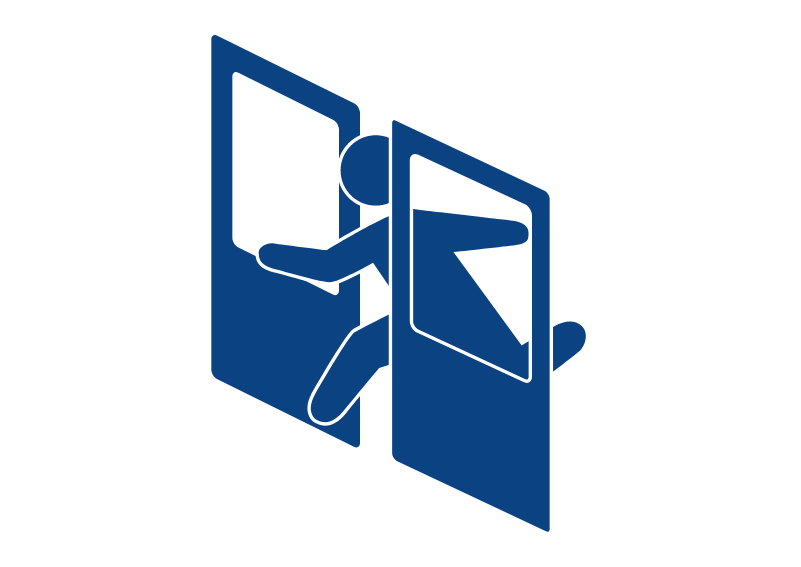
It is very dangerous for passengers to rush into trains, which may result in injuries or delay of train service.
-
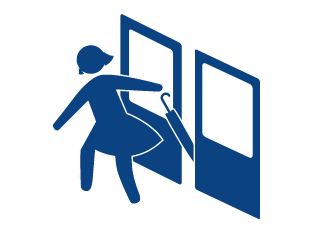
The doors of Yurikamome open and close automatically. Closing may take a certain amount of time, so please be careful not to get caught in between the doors.
Smoking manners
-
Smoking is prohibited on all trains and stations.
Please note that the use of electronic cigarettes and similar products is not permitted, as it may cause misunderstanding and anxiety among other customers, thereby compromising their comfort, and may also lead to trouble between customers.
Using moblie phones
-
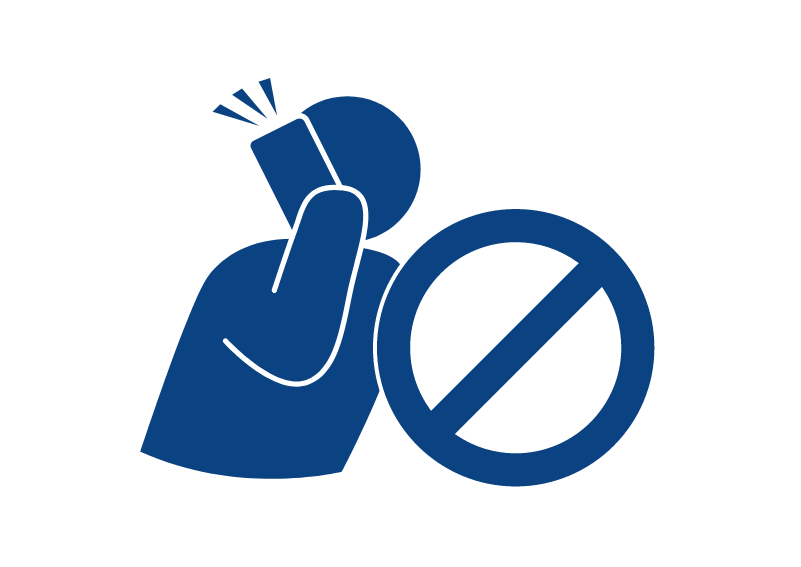
Please do not make calls on your mobile phone on trains.
-
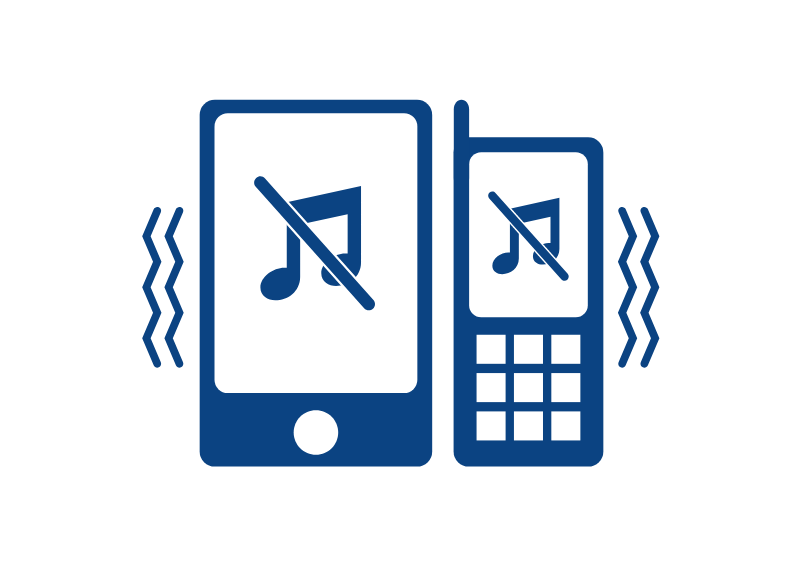
Please set your mobile phone to silent mode.
Wheelchair users
-
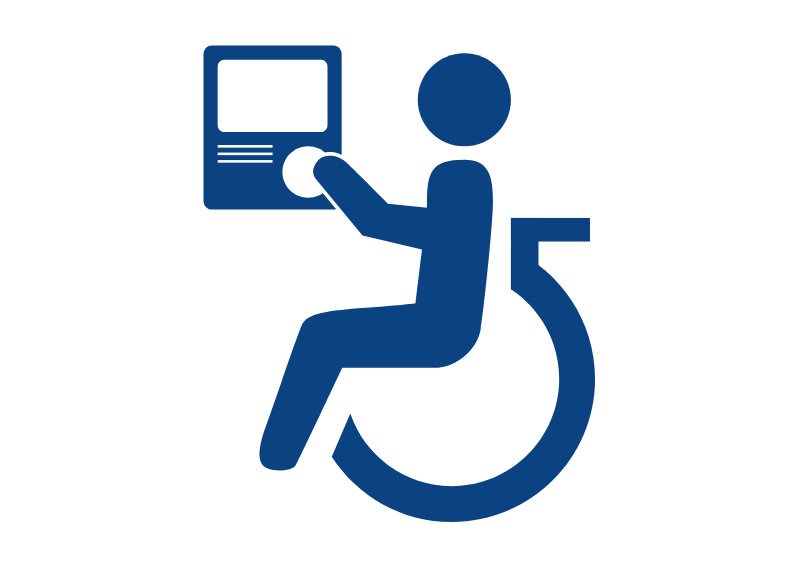
For wheelchair passengers, if you do not see station staff around, please use the gate intercom to inform staff of the station you would like to get off.
For passeners using strollers
-
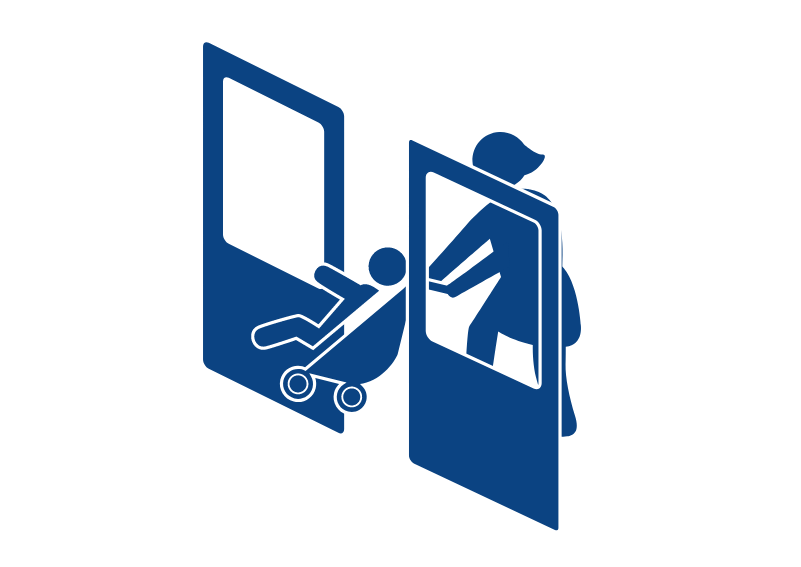
Use of strollers when boarding can be very dangerous because they can get caught in doors.
-
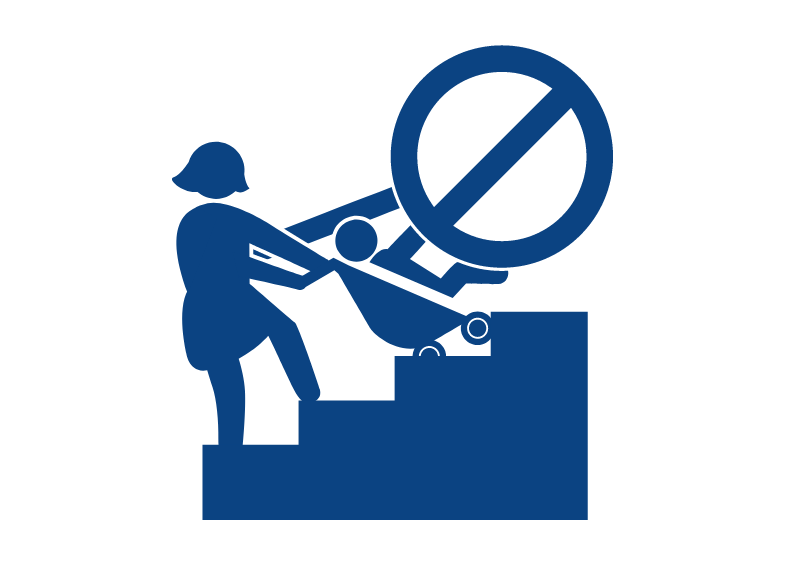
Remove children from strollers when using escalators and stairs.
If you see suspicious person
-
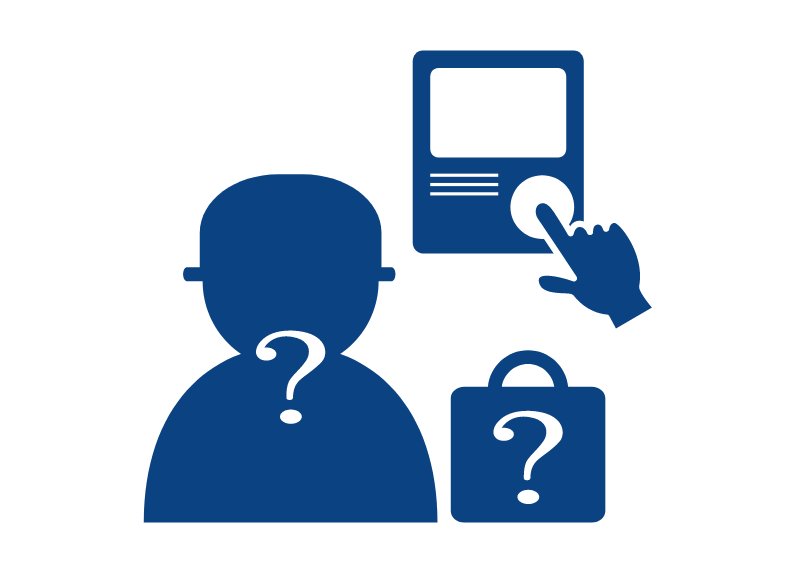
When you notice any suspicious object, please report to our staff directly or by interphone.
FAQ
Please see FAQ for more information.